
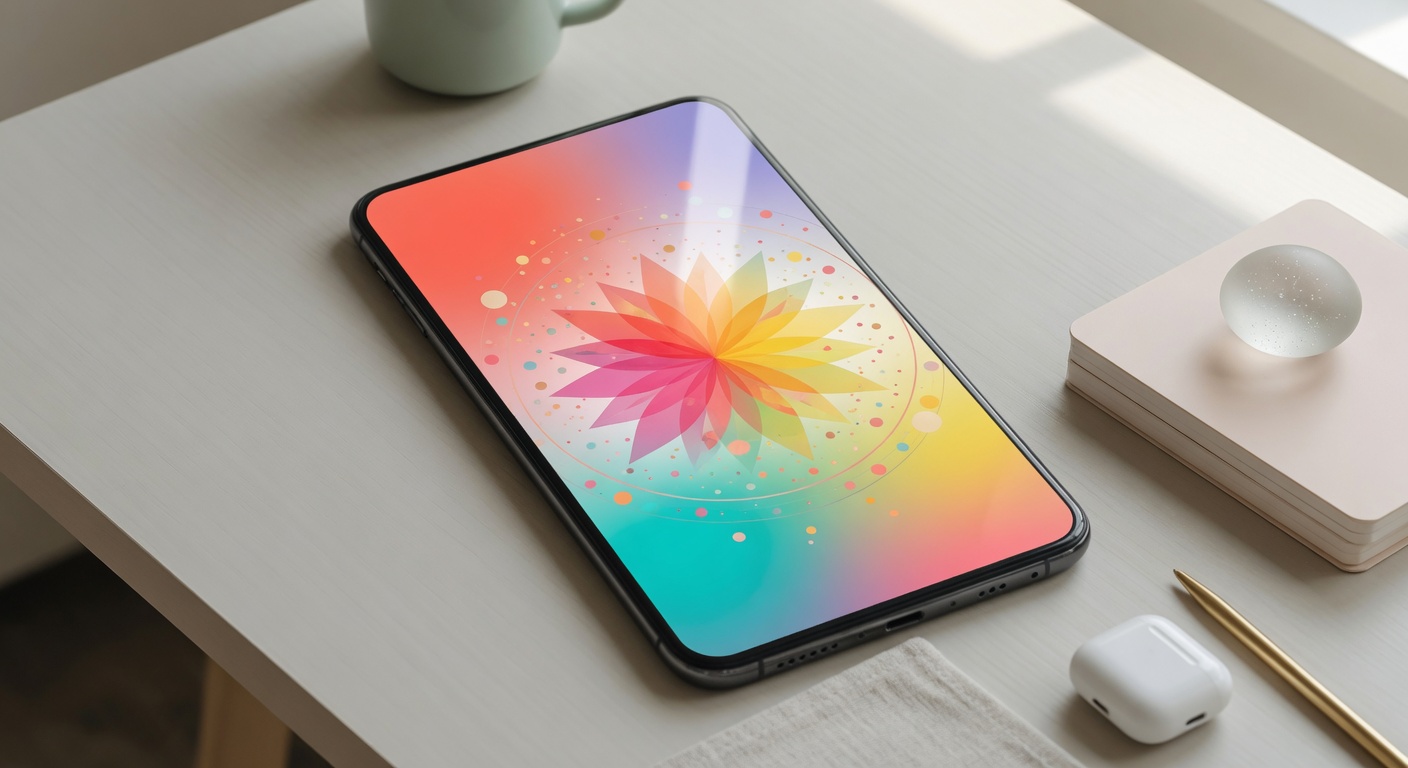
Another effective method involves simplifying the splash screen content. Avoid clutter by limiting text and graphics to essential elements that communicate your brand or message quickly. Use a clean, minimalistic layout that helps reduce resource loading and enhances overall user experience. Simplicity in design best practices contributes significantly to faster loading splash screens.
Finally, test splash screen performance regularly using tools like Lighthouse or WebPageTest. These tools offer insights into load times and highlight bottlenecks affecting speed. Continuously refining based on feedback and analytics ensures your splash screen adheres to UX best practices and maintains optimal loading performance, ultimately reducing user drop-off.
Minimizing Resource Load
Optimizing resource load is essential to ensure fast splash screen load times, directly impacting user retention and churn rates. The first strategy involves resource optimization, focusing on reducing the size and number of assets loaded initially. This means carefully selecting the image size; use appropriately compressed and scaled images to balance quality and file size. Employ modern formats like WebP that offer superior compression without compromising visual fidelity.
Asset management plays a crucial role in this process. Efficiently managing CSS, JavaScript, and images by minimizing and bundling assets can significantly decrease load speed. Lazy loading non-critical assets after the splash screen has loaded ensures that the initial load remains swift. Use tools like image sprites or icon fonts to reduce HTTP requests, further enhancing load performance.
Another practical approach is leveraging caching mechanisms to store assets locally on the user’s device, reducing repeat load times and saving bandwidth. Implementing content delivery networks (CDNs) also accelerates loading by serving resources from servers geographically closer to users. Together, these strategies in resource optimization, image size adjustment, and asset management create a streamlined experience that maximizes load speed for splash screens, ultimately reducing user churn and improving satisfaction.
Using Seamless Transitions
Smooth and subtle animations during the transition from a splash screen to the main app play a crucial role in enhancing the overall loading experience for users. These transitions create a sense of continuity in the user interface, making the switch feel fluid rather than abrupt. When the user perceives the transition as seamless, it effectively reduces the perception of waiting time, thereby increasing the apparent speed of the app.
By implementing well-crafted transitions, developers can mask loading delays and guide the user’s attention gently from the splash screen to the ready state of the app. This approach not only minimizes user frustration but also boosts engagement by maintaining a polished and professional feel. Smooth animations soften the shift between different visual states and reduce cognitive load, which encourages users to stay longer and explore more.
The user interface benefits immensely when transitions are optimized to be subtle yet effective. Overly flashy animations may distract or annoy users, while well-balanced, refined transitions contribute to a high-quality, enjoyable loading experience. Ultimately, these smooth animations improve the perceived speed of the app, positively influencing user retention and lowering churn rates.
Understanding Splash Screens and Their Importance
Splash screens are the introductory screens that appear when you launch an app, serving as the first visual impression users get during the app loading process. These screens typically display the app’s logo, branding, or a loading animation while the app’s necessary resources and data are being initialized in the background. The primary purpose of splash screens is not only to entertain or engage users momentarily but also to mask the app’s setup time, ensuring that users do not face a blank or confusing interface while waiting for the app to become fully functional.
In mobile apps, where users expect quick responses and smooth experiences, splash screens play a vital role in enhancing the perceived speed of app loading. By showing a visually appealing screen immediately upon launching the app, developers can keep users engaged and reduce the frustration that may arise from delays. This helps build a positive user experience right from the start, which is crucial for retaining users in a highly competitive mobile app market.
The importance of splash screens extends beyond mere aesthetics. They act as a bridge between launching the app and reaching the home screen or main user interface. A well-designed splash screen reassures users that the app is loading and hasn’t frozen or crashed. This reassurance is critical because users often make quick judgments about an app’s quality based on their initial interactions, and a smooth app loading experience encourages continued use.
Moreover, when splash screens load quickly and seamlessly, they contribute to reducing user churn — the rate at which users abandon an app. If the splash screen lingers too long or loads slowly, users may become impatient and exit before the app fully loads, negatively impacting user retention metrics. Thus, optimizing splash screens for speed is a strategic aspect of app development that enhances the overall user experience by providing a smooth, branded entry point while managing user expectations during app loading.
In summary, splash screens serve as a crucial tool for mobile apps to create a strong first impression, mask loading times, and maintain a positive user experience. Their role in app loading goes beyond mere functionality; they help reduce churn and contribute significantly to user satisfaction and engagement.
What Are Splash Screens?
A splash screen is a brief introductory screen that appears while an app is launching. It serves as a visual indication to users that the app is loading and getting ready for use. Often, the splash screen displays the app’s logo, name, or other branding elements, providing a momentary glimpse of the app’s identity before full functionality becomes available.
In app development, the app splash screen acts as a loading screen designed to cover any delays that occur during the initial startup process. This effectively manages user expectations by letting them know that the app is actively working in the background. Without a splash screen, users might see a blank or unresponsive screen, leading to confusion or impatience.
The definition of a splash screen extends beyond just a static image. It is an essential part of the user experience, designed to ensure smooth transition from launching the app to interacting with its functionalities. By providing immediate visual feedback, the splash screen reduces uncertainty during the loading phase and improves the overall perception of the app’s performance.
Role of Splash Screens in Perceived Performance
Splash screens play a crucial role in shaping the perceived speed of an application. When users launch an app, their immediate impression is heavily influenced by the initial interaction, and a well-designed splash screen can significantly improve this perception. Instead of staring at a blank or frozen screen during loading, users see a visually engaging element that signals the app is actively working to load content, which positively affects user perception.
By reducing the apparent loading time, splash screens enhance overall app responsiveness in the eyes of the user. This is a vital aspect of UX design, where the goal is to create a seamless and engaging experience. Even if the actual loading time is unchanged, a fast-loading splash screen can make the wait feel shorter by providing immediate feedback. This psychological effect helps mitigate user frustration and decreases the likelihood of churn caused by perceived sluggishness.
Incorporating splash screens strategically within UX design not only manages expectations but also reinforces brand identity through visuals and animations. This approach informs users that loading is in process while reassuring them about the app’s responsiveness and reliability. Ultimately, splash screens bridge the gap between actual loading time and user perception, enhancing satisfaction and fortifying engagement.
Impact of Fast-Loading Splash Screens on User Retention and Churn
The speed at which a splash screen loads plays a crucial role in shaping the overall user experience. A fast-loading splash screen immediately sets a positive tone, reducing friction and holding the user’s attention from the moment they launch the app. When users encounter rapid loading times, they are less likely to become frustrated and abandon the app before it even fully opens. This initial smooth interaction is directly linked to higher user retention rates because first impressions heavily influence future engagement.
Reducing splash screen load times sharply decreases the churn rate. Churn, which refers to the percentage of users who stop using an app over a certain period, is often driven by delays and sluggishness early in the user journey. A slow splash screen can give users the impression that the app is unreliable or poorly optimized, prompting a quick exit. Conversely, a fast-loading splash screen demonstrates technical proficiency and respect for user time, fostering trust and encouraging users to explore the app further.
Moreover, optimizing splash screen speed supports improved app engagement. When users do not have to wait, their initial interaction is seamless and fluid, enabling them to quickly access the app’s core features. This convenience increases the likelihood that users will return regularly, boosting overall app engagement metrics. Essentially, the splash screen acts as a gateway: if it loads quickly, it welcomes users; if it lags, it acts as a barrier.
Fast-loading splash screens also contribute to a favorable app reputation, as word-of-mouth and app reviews increasingly factor into the retention equation. Apps known for quick startup times attract more positive feedback, which in turn drives higher acquisition and retention rates. By minimizing wait times at entry points, developers create an environment where users feel valued and motivated to keep using the app.
In conclusion, focusing on fast-loading splash screens is a powerful strategy to reduce user churn and enhance user retention. By streamlining the initial load experience, apps can connect with users more effectively, fostering loyalty and increasing long-term engagement. This small but impactful detail in app design ultimately supports healthier growth and a stronger user base.
Correlation Between Load Time and User Frustration
Longer load times for splash screens directly contribute to increased user frustration. When users open an app, they expect quick access to its features and content. Extended splash screen durations delay this access, leading users to feel annoyed or impatient. This frustration is not trivial; it is a significant factor driving app abandonment. Users perceive slow-loading splash screens as a sign of poor app performance or inefficiency, which undermines their confidence and willingness to continue using the app.
Research shows a clear correlation between load time and increased churn rates. The longer the splash screen takes to disappear, the higher the likelihood users will abandon the app before fully engaging with it. This user frustration caused by sluggish load times is a critical churn cause that developers must address. Optimizing splash screen load time is therefore essential not only for enhancing user experience but also for reducing the chances of users giving up on the app altogether.
Reducing load time on splash screens diminishes user frustration and sets a positive tone from the start. By delivering faster access to app content, developers can keep users interested and engaged, lowering app abandonment rates. Ultimately, managing load time effectively is a strategic approach to tackling one of the key churn causes in today’s competitive app market.
Benefits of Speed Optimization on Splash Screens
Speed optimization plays a crucial role in ensuring fast load times for splash screens, which directly impacts the overall user experience and app performance. To achieve optimal speed, developers should focus on minimizing file sizes by compressing images and using lightweight graphic formats. Avoiding heavy animations or complex graphics on the splash screen helps reduce loading delays. Additionally, asynchronous loading of background processes while displaying a simple splash screen ensures the app feels responsive immediately after launch.
Another best practice is to keep the splash screen’s design minimalistic and streamlined, allowing it to load swiftly without overwhelming the device’s resources. Developers should also leverage caching strategies where possible so that splash screen assets load quickly on repeated app launches. Optimizing code and resources involved in rendering the splash screen can significantly reduce the wait time before users can start interacting with the app.
These optimizations enhance user experience by reducing frustrative wait times, preventing users from abandoning the app before it fully loads. Fast loading splash screens set a positive first impression, encouraging users to engage longer and reducing churn rates. Consequently, speed optimization on splash screens is not just a technical enhancement but a strategic approach to improving retention and overall app performance.
Best Practices for Designing Fast-Loading Splash Screens

Designing splash screens that load swiftly is essential for reducing churn and enhancing user experience. To achieve a fast loading splash, start by optimizing image sizes. Use lightweight image formats such as SVG or compressed PNGs, and avoid high-resolution images that significantly increase load times. This simple design best practice ensures your splash screen appears quickly without compromising visual quality.
Next, focus on minimizing the use of heavy scripts and animations. While animations can improve visual appeal, they often delay splash screen loading if not optimized. Employ CSS animations over JavaScript when possible, as they tend to be more efficient. Additionally, consider reducing animation duration and complexity to enhance perceived speed.
Leverage caching and preloading strategies to improve splash screen performance. Caching ensures your splash assets like images, styles, and scripts are stored locally after the first load, enabling faster subsequent loads. Preloading critical assets allows the browser to fetch resources needed for the splash screen early, speeding up rendering. These optimization techniques are crucial for delivering a seamless startup experience.

I’ve been exploring casino games and betting strategies since I first tried a slot machine in a local arcade. I love breaking down game mechanics, hunting for the best bonuses, and sharing responsible gaming tips with our community.
